Looking for hardware solutions that meet European / American standards?
Use this guided inquiry modal to move from a generic quote form to a clearer technical conversation. Buyers can choose whether they need pricing, CAD / 3D files, or OEM / ODM support before sharing contact details.
Compatibility-first design across door / window systems
Repeatable production with clear inspection checkpoints
Documentation and change control for long-running programs
Responsive engineering support for fit and field feedback
I’m not saying that to sound dramatic; I’m saying it because I’ve watched perfectly capable service reps, estimators, and buyers stare at the same field photo, argue over the same lock body, and then push out a quote anyway—half on instinct, half on hope, with a truck roll and a return waiting in the background. It happens. A lot.
And that’s the problem, isn’t it? People call it a sourcing issue because that sounds cleaner, more respectable, less embarrassing. But from my experience, it’s usually an ID problem wearing a purchasing badge. Somebody tags a hinge as “close enough,” somebody else assumes handing from a blurry angle, the finish gets over-weighted, the hole centers get ignored, and then everyone acts surprised when the install crew says, “This isn’t even the same footprint.”
I frankly believe the window-and-door crowd has normalized too much slop here.
A proper window and door hardware part identification guide is not a glossy parts brochure and it’s definitely not a lazy image gallery. It’s a control document. It’s there to stop bad assumptions before they become RMAs, missed service windows, or—worse—a safety conversation nobody wanted to have on a Thursday afternoon.
And the market conditions aren’t helping. They’re amplifying the mess. The U.S. housing stock keeps aging, which means more repair calls, more replacement part hunts, more legacy assemblies, and more weird edge cases that don’t fit a nice clean line card, and Harvard’s Joint Center for Housing Studies says the median age of owner-occupied homes hit 42 years in 2023; owners in homes built before 1940 spent an average of $6,700 on improvements and repairs, versus $4,500 for homes built in the 2010s. That matters. Deeply.
Table of Contents
Misidentification costs more than the part
Everybody loves to complain about freight, lead times, tariffs, coating prices, zinc volatility—fine. Those are real. But here’s the ugly truth: misidentification quietly bleeds more profit than most teams will admit in public, because it infects the quote, the pick ticket, the pack check, the site expectation, and the warranty posture all at once.
A handle isn’t just a handle. You know that. I know that.
A sash lock can fail a job because the tongue profile is wrong by a hair. A friction stay can look identical in a phone shot and still be wrong because the bar geometry, slot pattern, or stack details drift just enough to wreck fitment. Yet people still speak about hardware as if it’s generic bent metal. It isn’t. It’s indexed hardware with consequences.
Want proof that sloppy identification isn’t just a customer-service nuisance? Look at recalls. On December 21, 2023, the CPSC announced a Pella casement window recall involving about 12,000 units because the sash could detach from the frame and fall. On November 22, 2023, the CPSC announced a recall of certain MI 1615 and 1617 sliding glass doors plus Window World 4000 and 8000 Series units, about 1,900 doors, because the glass could separate from the frame during hurricane conditions. And in that second case, the identifying markers mattered: LC-PG50, MTL-12, MTL-2, and the manufacture date format M/YYYY. That’s not trivia. That’s operating data.
What a real visual part ID guide must capture
Photos matter. Measurements matter more.
If your guide lets a user stop at “looks similar,” it’s not a guide—it’s decoration. A usable guide has to force the team to capture the stuff that actually separates one SKU from the impostor sitting right next to it: part family, handing, profile geometry, mounting pattern, finish/material, and unit label data. Miss one of those and the confidence level should drop, not rise.
But buyers love shortcuts. Especially when inbox pressure kicks in.
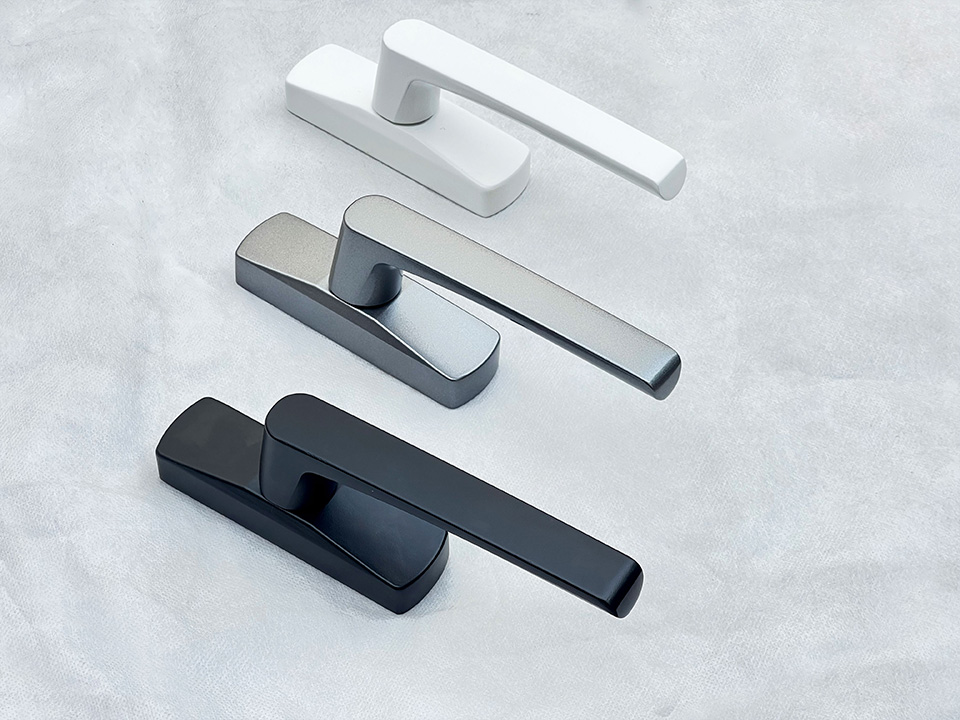
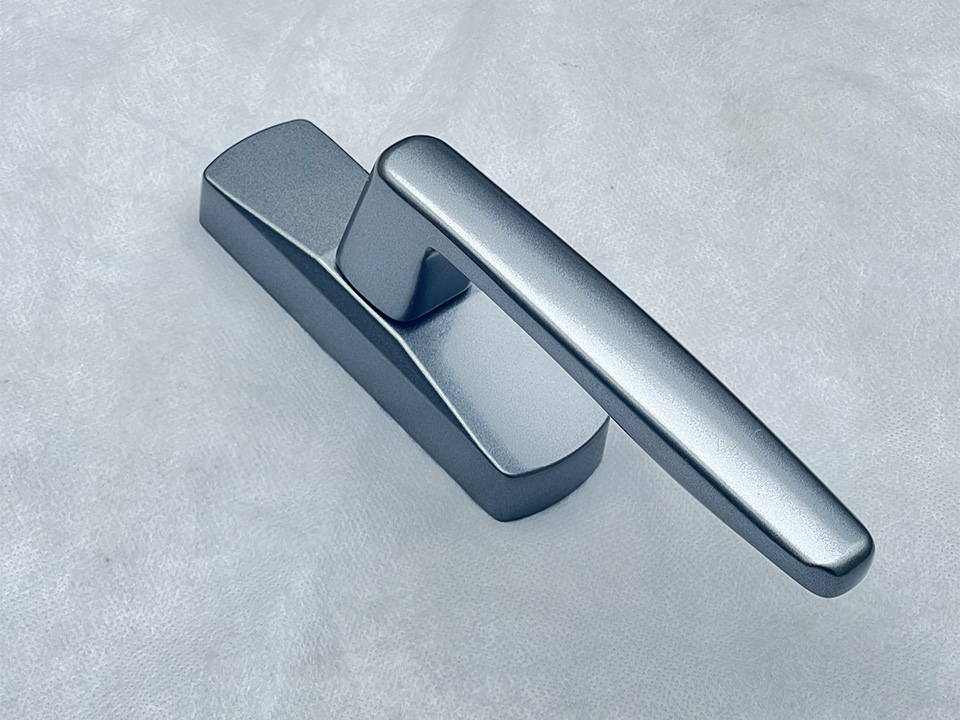
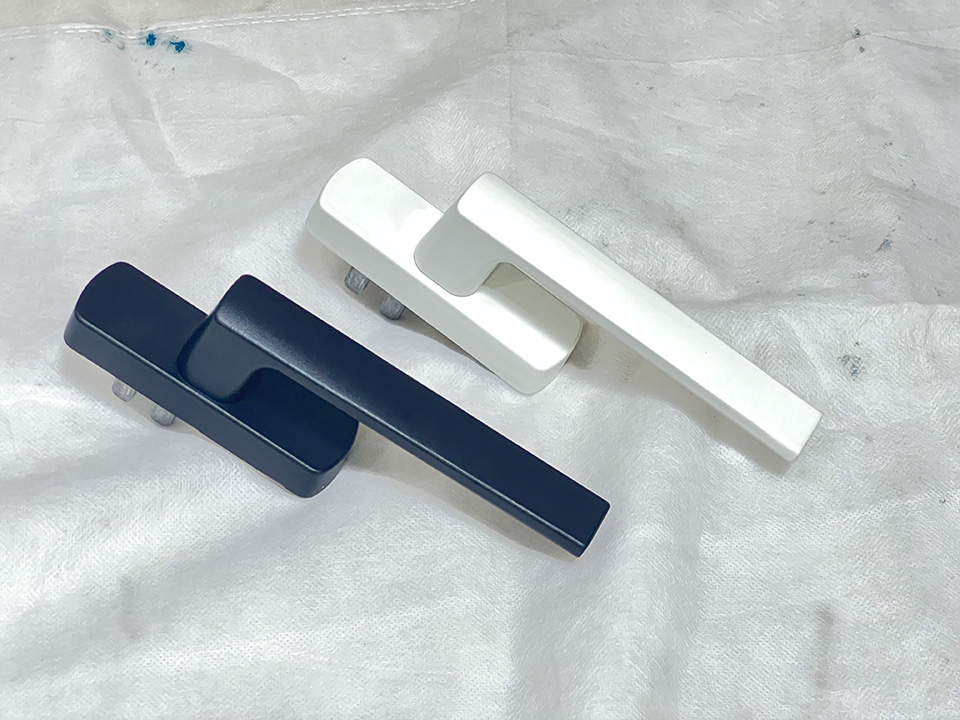
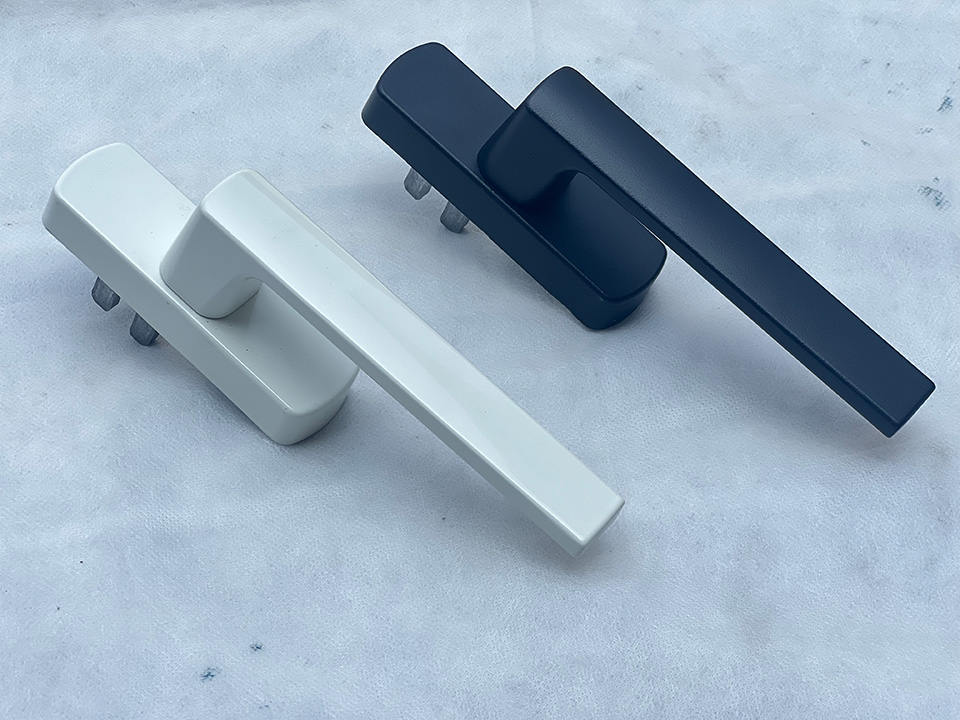
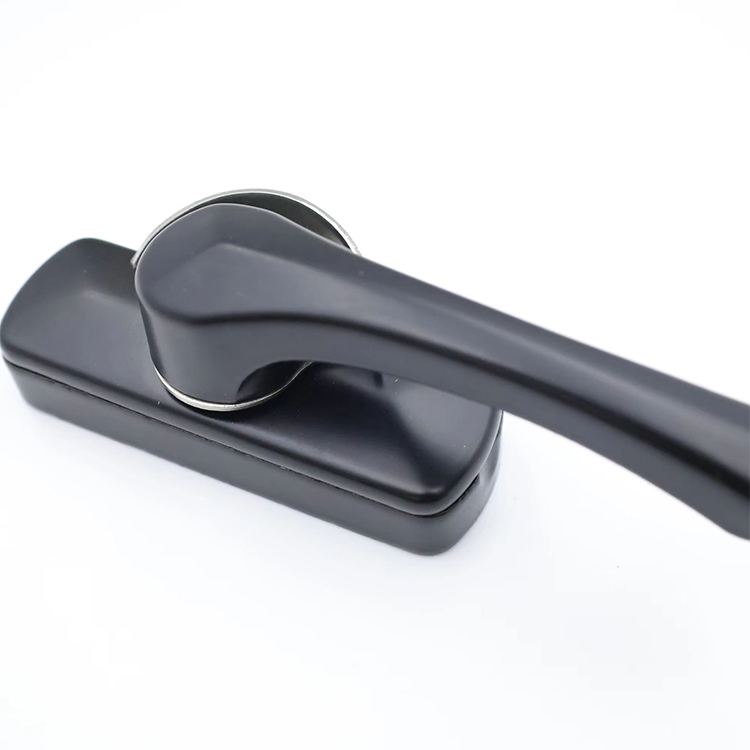
For casement work, the guide should separate cosmetics from mechanics. Yes, finish matters. Yes, black versus white versus stainless matters. But not first. First comes spindle, base, handed orientation, escutcheon profile, bore details, and operator compatibility. That’s why casement window handles in matte black aluminum should be treated as a reference object inside the guide—not just a pretty product page somebody tosses into a sales deck.
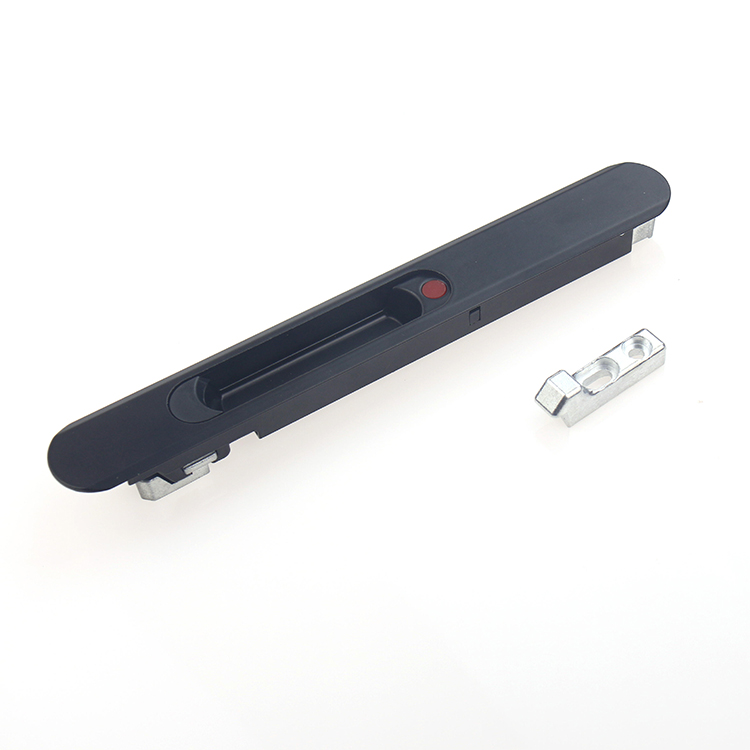
Same story with hinges. People say “friction stay” like that settles anything. It doesn’t. Not even close. A real guide has to break that family down by arm length, vent weight, slot style, hinge bar geometry, sash application, and whether the unit is top-hung or side-hung—because that’s where the job either gets saved or quietly corrupted. Which is exactly why stainless window friction stay slot hinges belong in the conversation.
The part families that usually break the workflow
I’ve seen this movie before, and the cast never changes much.
The same hardware families keep creating expensive confusion because they look familiar enough to lull teams into premature certainty, but the fitment variables—backset, keep profile, fixing centers, trigger location, latch travel, restrictor behavior—are hiding in plain sight until someone finally measures them after the wrong part arrives.
Hardware family
Visual clues your guide should show
Data your team must record
Where teams usually get burned
Casement handles/operators
Base shape, spindle type, escutcheon profile, handed orientation
Spindle size, fixing centers, handing, finish
Matching finish while missing operator compatibility
Friction stays/hinges
Arm length, slot pattern, restrictor details, bar profile
Length in mm, hole centers, sash weight, vent type
Why this matters more in 2024 than most teams admit
The economics have changed, and I don’t think enough people in this sector have fully caught up.
Repair and retrofit aren’t side conversations anymore. They’re central. Harvard’s housing research says remodeling and repair expenditures stayed far above pre-pandemic levels even after cooling in 2023 and 2024, following a market that topped $600 billion in 2022. Meanwhile, the Department of Energy says windows account for 25%–30% of residential heating and cooling energy use, and qualifying upgrades can still move money: qualifying windows may earn a tax credit worth 30% of cost up to $600 per year, while qualifying exterior doors can earn up to $500 per year, capped at $250 per door. That means the repair-vs-replace argument isn’t just technical anymore—it bleeds into incentives, homeowner psychology, and budget timing.
Here’s where I part ways with a lot of “efficient” teams: they worship speed too early. They want the quote out fast, so they skip label checks, ignore stamp marks, don’t verify handing, and trust memory over evidence. Bad move. In the MI recall, the CPSC didn’t lean on vibes or rough visual similarity; it leaned on specific identifiers like LC-PG50, MTL-12, MTL-2, and M/YYYY because that’s how actual exposure gets traced. Labels matter. Date codes matter. Hole spacing matters. The grainy field pic alone? Usually not enough.
And there’s a compliance layer here people like to whisper about instead of saying plainly. CPSC recall notices remind the market that federal law prohibits selling products subject to a Commission-ordered recall or a voluntary recall undertaken with the agency. So no, your visual guide isn’t just a warehouse convenience. It can also keep your business from stepping into a legal and reputational mess with its eyes open.
The smartest visual guide format I’ve seen
Three screens. One decision tree. No fluff.
First, show the full assembly in context so the user knows whether they’re looking at a sash component, frame-mounted part, track accessory, or active locking point. Then isolate the part itself and add dimension callouts in millimeters—real dimensions, not vague arrows some designer thought looked “clean.” Then show the label zone on the unit, because series data, manufacture dates, and performance markers often settle a dispute faster than twenty Slack messages ever will.
That structure works because it mirrors how field reality actually unfolds. Not neatly. Not linearly.
And I’d build the workflow like this:
Identify the window or door type: casement, awning, sliding, tilt-turn, patio.
Confirm the part family: handle, hinge, lock, latch, damper, keeper, operator.
Capture hard evidence: dimensions, hole centers, stamp marks, series labels.
Confirm finish and material last.
Flag recall or safety exposure before the quote leaves your desk.
That last point gets skipped more than people admit. Finish-first is amateur hour. Geometry-first wins jobs—and saves them.
FAQs
What is a visual part ID guide for window and door hardware teams?
A visual part ID guide is a structured reference that matches annotated photos, dimensions, handing, finish codes, date stamps, and failure symptoms to exact window or door hardware SKUs, so service, estimating, purchasing, and warehouse teams can verify a component before they quote, pick, ship, or install it.
In plain terms, it should act like a controlled lookup system. Not a brochure. If it can’t separate near-identical parts with different fixing centers or profiles, it’s not finished.
Why are labels and date codes so important when identifying hardware?
A window or door hardware match is complete only when the team confirms profile, handing, mounting hole spacing, finish, material, and any label data such as Product ID, M/YYYY, LC-PG50, or series information, because photos alone regularly hide the tiny differences that trigger wrong orders, failed fits, and warranty disputes.
That’s the bit people try to skip. Bad idea. Label data often reveals what the eye misses—especially on older series, oddball runs, or assemblies that have already seen field swaps.
How do you identify obsolete or discontinued window hardware?
Obsolete window hardware identification is the process of tracing a discontinued part through geometry, keep profile, screw centers, stamp marks, sash or frame interface, and compatible series history, then deciding whether a direct replacement, modified substitute, or full unit retrofit is the lowest-risk option for safety, labor, and future serviceability.
From my experience, the order matters more than people think: measurements first, then stamps, then unit labels, then compatibility logic. Brand assumptions come later—if at all.
When should a team recommend full unit replacement instead of hardware-only replacement?
A full unit replacement is justified when the frame, sash, glass package, or structural interface is compromised, when the exact hardware is discontinued and unsafe substitutions are the only option, or when energy, code, labor, and incentive economics make piecemeal repair more expensive over the next service cycle.
Sometimes the “cheap fix” is the expensive decision wearing a nice smile. If the unit is already underperforming, DOE incentive math can make replacement the cleaner long-term call.
Build the guide before the next wrong order does the teaching for you
The teams that win this category are not the ones with the largest catalog, the loudest sales deck, or the most confident rep on the phone. They’re the teams that turn field photos, dimensions, label data, and compatibility rules into a repeatable visual workflow that still works when the inbox is ugly, the customer is impatient, and the part in question was probably designed before half the office was hired.
So build the guide like it matters—because it does. Use callouts. Use millimeters. Show the label zone. Compare similar parts side by side. Force the user to verify handing, profile, and screw centers before finish gets discussed. And if your current process still depends on “that one guy in service just knows,” then I’m sorry, but that isn’t a process. It’s tribal knowledge with an expiration date.